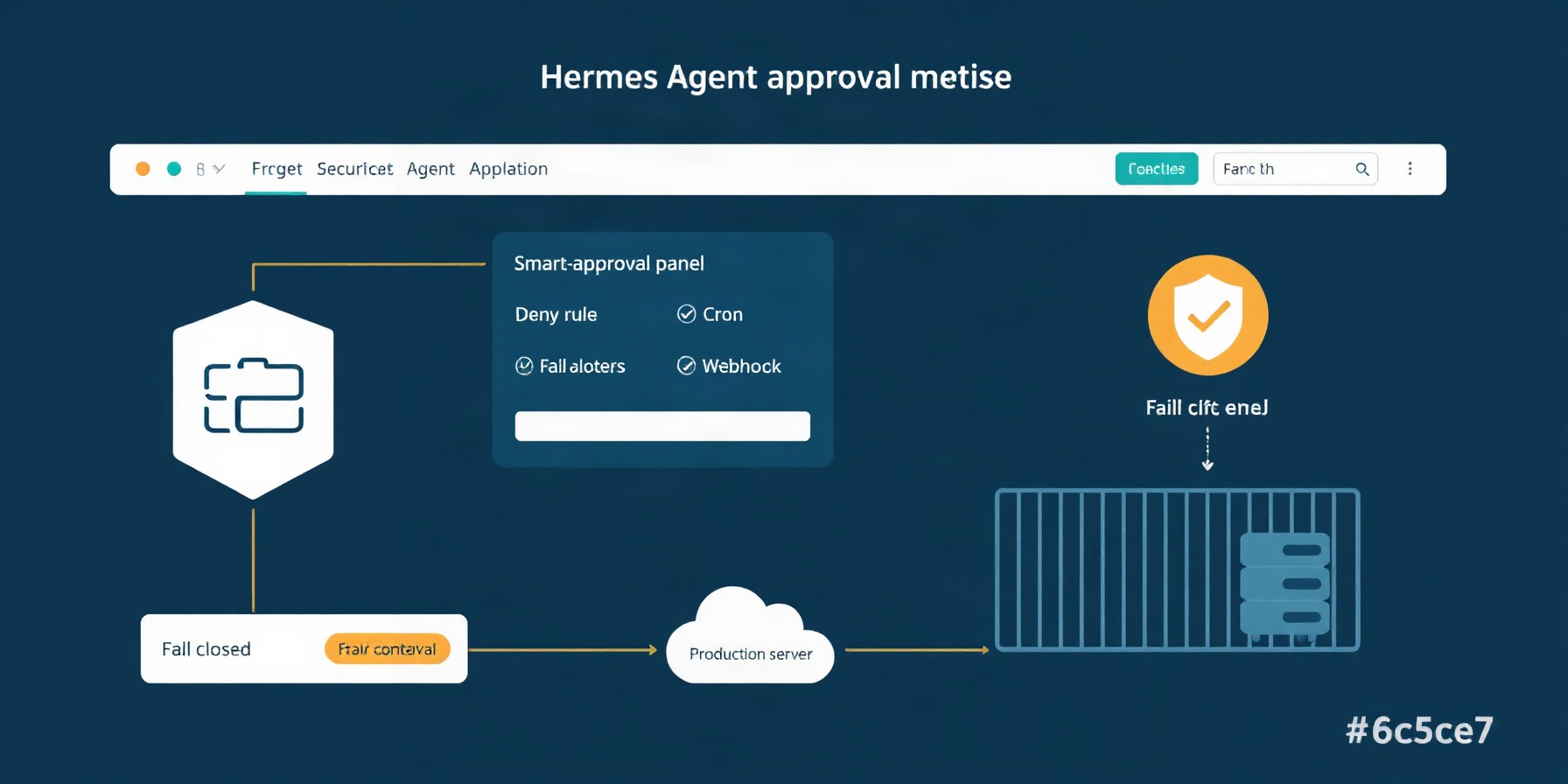
Hermes Agent Approval Modes & Deny Rules: The Complete Safety Configuration Guide 2026
Configure Hermes Agent approval modes, cron_mode, approvals.deny rules, the hardline blocklist and command_allowlist for safe headless operation.
TLDR: Hermes Agent offers smart, manual, and off approval modes, plus separate fail-closed controls for cron, single-query, and unattended sessions. You can add command-pattern deny rules and a permanent allowlist, but neither turns Hermes into an operating-system sandbox. Recommended baseline: smart mode + deny-policies for headless contexts + a container backend for production.
Key Takeaways
Hermes approval safety comes from combining interactive approval modes with context-specific headless policies and command rules; the official security documentation describes these as separate controls, not interchangeable safeguards.
smartis the default: it assesses command risk and prompts when uncertain.manualprompts for every command;offdisables approval checks like--yolo.- Cron,
hermes chat -q, and webhook/API sessions each have a separate headless setting, all defaulting todeny. approvals.denyblocks matching commands before YOLO andmode: offare considered.- The hardline blocklist remains active even when approval checks are disabled.
command_allowlistcan make approved commands persistent, so keep entries narrow.- For production, use a container backend as the security boundary; command rules are not an OS sandbox.
How This Guide Was Built
This guide is desk research of the official Hermes security documentation, fetched 2026-10-08; it is not based on hands-on testing. Every configuration key and behavior described here was checked against the official security documentation, with related context linked where relevant.
Approval Modes and Behavior by Context
Hermes approval modes and headless policies determine whether a command runs, prompts, or is denied; the mode documentation distinguishes interactive risk assessment from context-specific headless overrides.
In smart mode, an auxiliary LLM assesses each command: low-risk commands are approved, dangerous ones denied, and uncertain ones sent for approval. manual always prompts. off disables approval checks and is equivalent to --yolo. Headless contexts use their own settings:
| Context | What runs | Default behavior | Key that controls it |
|---|---|---|---|
| Interactive CLI | Commands pass through the configured approval mode | smart: assess, auto-approve low risk, deny dangerous, prompt if uncertain |
approvals.mode |
| Cron job | Commands invoked by the scheduled task | Deny | approvals.cron_mode |
Single-query -q |
Commands during hermes chat -q |
Deny | approvals.single_query_mode |
| Webhook/api_server | Commands in unattended sessions | Deny, unless the API client can answer approval cards | approvals.unattended_mode |
| Container backend | Commands run through the selected container backend | Dangerous-command checks are skipped; the container is the security boundary | Backend selection |
For headless keys, deny blocks a command immediately so the agent must find another path; approve automatically approves commands in that context. An API-server client able to answer POST /v1/runs/{id}/approval can still receive a prompt. Cron settings are also covered in the cron guide and our Hermes profiles and cron guide.
Deny Rules, the Hardline Floor, and Approval Triggers
Hermes applies the built-in hardline blocklist regardless of approval mode, while user-defined approvals.deny rules add a configurable command policy; see the hardline floor and deny-rule behavior.
The hardline floor blocks such commands as root-wide recursive deletion, a bash fork bomb, formatting the mounted root, writing /dev/zero to a disk device, and piping untrusted URLs to sh. It also fails closed on unparseable shell quoting. User deny rules use case-insensitive fnmatch globs against the complete command and deobfuscated executable candidates, including commands behind launchers and shell payloads. They run before YOLO and mode: off; a match returns BLOCKED and does not run. The fnmatch documentation explains glob matching. These rules are command policy, not an OS sandbox.
| What triggers approval | Why |
|---|---|
rm -r |
Recursive deletion can remove data |
chmod 777, chmod 666, o+w, or a+w |
Broadens write permissions |
chown -R root |
Recursively changes ownership |
mkfs, dd if=, or > /dev/sd* |
Can alter or overwrite storage |
DROP TABLE, TRUNCATE, or DELETE FROM without WHERE |
Can remove database data |
Writes to /etc/, ~/.ssh/, or ~/.hermes/.env |
Targets protected or sensitive paths |
systemctl stop/restart/disable/mask |
Changes system service state |
bash -c, sh -c, python -e, or perl -e |
Runs an interpreter payload |
curl ... | sh or bash <(curl ...) |
Executes downloaded content |
find -exec rm, find -delete, or xargs rm |
Can turn a search into destructive deletion |
docker stop/kill/restart or docker compose down |
Changes container lifecycle |
Other documented triggers include kill -9 -1, pkill -9, writes via tee or redirection, and Docker or Podman daemon redirection. The complete list is in what triggers approval. On docker, singularity, modal, daytona, and vercel_sandbox backends, dangerous-command checks are skipped because the container is the security boundary; consult container isolation.
Production Configuration and the Permanent Allowlist
A production-oriented configuration keeps interactive assessment enabled, denies unattended commands by default, and limits persistent approvals to deliberate, narrow entries; the permanent allowlist documentation explains how “always” decisions are saved.
approvals:
  mode: smart
  timeout: 300
  cron_mode: deny
  single_query_mode: deny
  unattended_mode: deny
  mcp_reload_confirm: true
  destructive_slash_confirm: true
  deny:
    - "git push --force*"
    - "*curl*|*sh*"
    - "dd if=* of=/dev/*"

command_allowlist:
  - "podman *"
Quote every deny pattern: an unquoted leading * is interpreted by YAML as an alias. The examples above are policy starting points, not universal recommendations; review whether each matches your command text and threat model. A command approved as “always” can write a pattern to command_allowlist, using exact text, a shell glob such as podman *, or a dangerous-pattern rule key such as script execution via heredoc.
Allowlist rule keys are honored on every surface, including unattended contexts under deny modes. Treat them as high-impact exceptions and avoid broad patterns. The list is read at startup, so restart Hermes after removing an entry for safety. OWASP’s authorization guidance is a useful reminder to scope permissions to the access a workflow actually needs.
YOLO Mode
YOLO mode disables ordinary approval checks, but it does not disable the hardline blocklist or user-defined deny rules; the YOLO documentation lists its activation paths and session behavior.
Activate it with hermes --yolo, the /yolo session toggle, or HERMES_YOLO_MODE=1. The setting survives a restart within the same session; /new and /resume start with approvals back on. A red banner and ⚠ YOLO in the status bar indicate that it is active. The hardline floor still applies, as do approvals.deny matches. YOLO is appropriate only when you intentionally accept that reduced protection, such as in a disposable container—not as a substitute for headless policy or production isolation. See the slash-command reference for session controls.
Mining Approval History with hermes approvals suggest
hermes approvals suggest mines recent approval history and proposes allowlist patterns without changing configuration unless you explicitly apply selected suggestions; the history-mining documentation describes its limits.
The command reads ~/.hermes/state.db, considers the last 90 days, and requires at least two approvals for a candidate. It masks credentials in proposals and never proposes destructive classes: even repeated approval of rm -rf build/ does not produce an rm entry. The default is read-only; --apply 1,3 merges selected proposals into the allowlist. Example output below is illustrative:
$ hermes approvals suggest
Scanning approvals from the last 90 days...
Found 2 eligible patterns:

  1. podman *                     (8 approvals)
  2. script execution via heredoc (3 approvals)

No destructive command patterns proposed.
Run with --apply 1,3 to add selected patterns.
Review each proposed pattern before applying it. A history of approvals shows what was accepted, not that a command is safe in every context.
FAQ
Hermes approval behavior depends on both the selected mode and the command’s context; the security documentation covers prompts, timeouts, and the policy layers that remain relevant.
Does --yolo disable the blocklist?
No. YOLO disables ordinary approval checks, but the hardline blocklist remains an always-on floor and approvals.deny rules run before YOLO and mode: off. A command matching either policy is blocked rather than executed. The same hardline protection applies when approvals are otherwise disabled; see the blocklist details.
What happens when an approval prompt times out?
The default timeout is 300 seconds, and expiration fails closed. An expired prompt cannot be reopened; send a new message to trigger the command and its approval flow again. In the CLI, the choices are [o]nce, [s]ession, [a]lways, and [d]eny, with deny as the default. Messaging gateways accept replies such as yes, approve, ok, no, or cancel. See approval timeout behavior.
Does approving a command as “always” make it safe everywhere?
No. “Always” writes a pattern to command_allowlist, and rule keys are honored across surfaces, including unattended ones even under deny modes. That makes broad patterns consequential. Keep entries narrow, inspect the resulting configuration, and restart Hermes after removing entries; the allowlist reference describes supported pattern forms.
Do command approvals cover file-writing tools?
No. write_file and patch use a separate file-write safety layer with protected paths and optional HERMES_WRITE_SAFE_ROOT; they do not use an approval prompt. This guide covers command approvals and command policies, not that separate layer. Keep the distinction in mind when reviewing a workflow that can both run shell commands and edit files.
The Bottom Line
For a practical safety baseline, keep smart for interactive work, leave each headless key at deny unless a specific workflow requires otherwise, and use container isolation for production; see the backend security comparison and our security overview.
- Laptop development: Use
mode: smart, keep headless keys atdeny, and add only narrow deny rules for commands you never want executed. Use YOLO only for an intentionally disposable environment. - Headless VPS cron: Set
cron_mode: denyunless a specific scheduled task needs automatic command execution. If you change it toapprove, remember that this auto-approves commands in cron; the cron documentation covers scheduled behavior. - Production gateway: Keep
unattended_mode: deny, use a container backend as the boundary, and avoid broad allowlist patterns. For network egress controls alongside command policy, see our egress proxy guide.
One additional boundary matters: the terminal tool refuses to stop or restart its own supervised gateway process and refuses interpreter-image kills such as pkill -9 python3, even with approval, YOLO, or force=True; scoped kills by explicit PID or background-job ID are permitted. That guard is separate from approval settings.