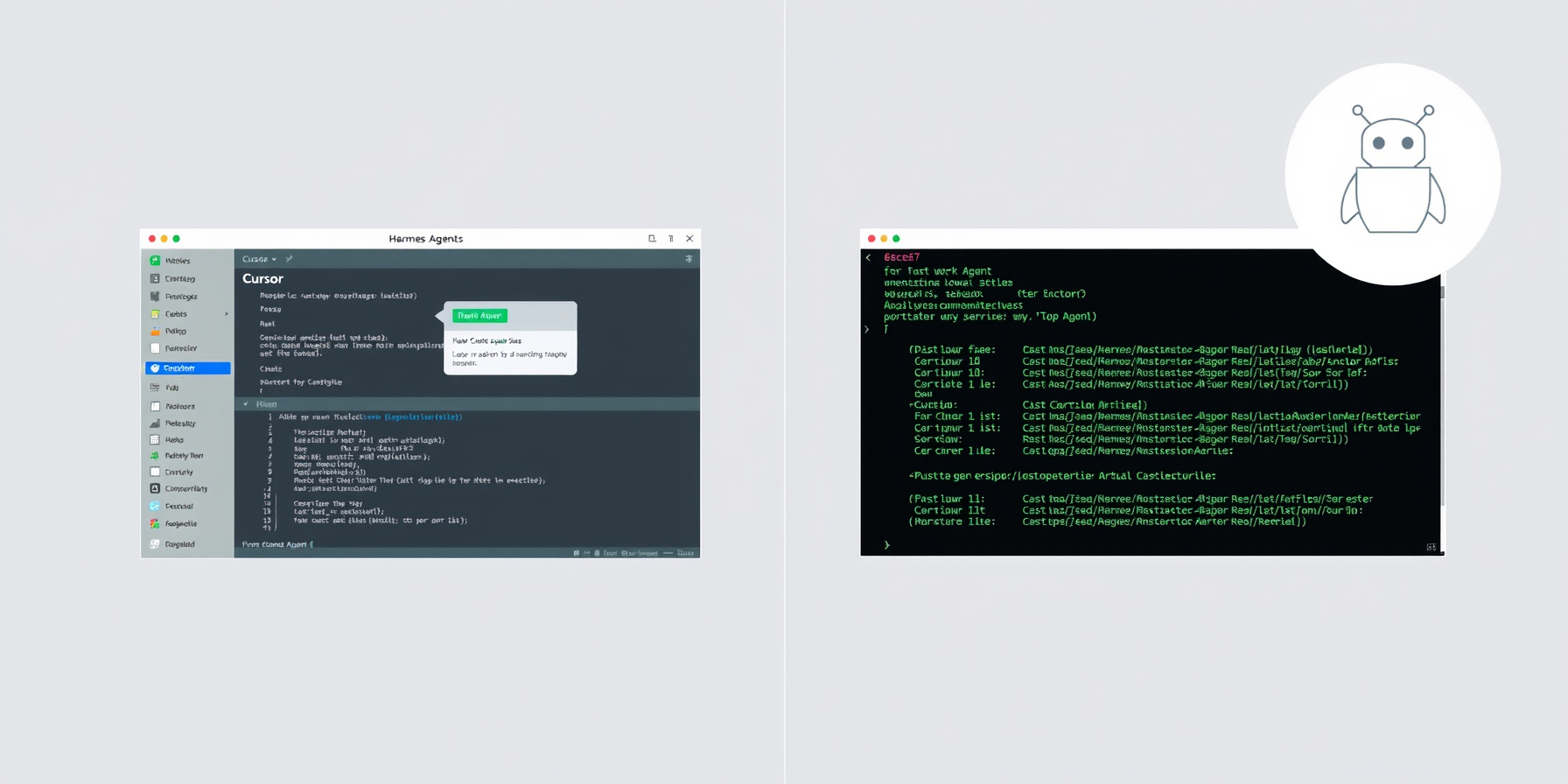
Hermes Agent vs Cursor: Which AI Agent for Beginners in 2026?
Hermes Agent vs Cursor for beginners comparing terminal-native local-first agent with IDE-integrated cloud-first coding assistant. Choose by workflow not hype.
Verdict: Hermes Agent vs Cursor for Beginners
For beginners asking how to choose between Hermes Agent and Cursor in 2026, the answer depends on your preferred workflow. If you want a graphical IDE with built-in AI features and are comfortable paying a monthly fee, Cursor delivers a polished experience out of the box. If you prefer working in the terminal, value local-first control, and want to avoid recurring costs, Hermes Agent is the better fit. Neither tool is universally superior — pick based on whether you prefer an IDE or a command-line agent.
How This Guide Was Built
This guide compares Hermes Agent and Cursor using official documentation, pricing pages, and community reports from each project. We reviewed feature lists, pricing tiers, supported models, and installation methods directly from vendor sources, and verified the Cursor pricing page, Cursor docs, and Hermes Agent docs on August 25, 2026. We did not test either tool hands-on — steps are based on official docs. Last verified: August 2026.
What Is Cursor?
Cursor is a desktop AI-powered code editor available on macOS, Windows, and Linux, designed to integrate large language models directly into the development workflow Source: cursor.com. It offers a free Hobby tier for personal use, a Pro plan at $20 per month, and a Teams plan at $40 per user per month, with Pro and Teams unlocking advanced agent features and higher usage limits Source: cursor. Cursor bundles several major models including Claude Fable 5, Opus 5, Sonnet 5, Gemini 3.1 Pro, GPT-5.6 Luna, Sol, and Terra, plus Grok 4.5/4.6, allowing users to switch between providers without additional setup Source: cursor. The Cursor Agent supports Plan Mode for multi-step tasks, Debug Mode for error resolution, Design Mode for UI generation, Cloud Agents for remote execution, and Bugbot for automated code review Source: cursor.
What Is Hermes Agent?
Hermes Agent is a terminal-native, local-first AI agent framework released under the MIT license, aimed at developers who want full control over their environment without relying on cloud services Source: hermes-agent. It supports over 30 model providers including Ollama and vLLM, enabling users to run models locally or connect to remote endpoints without vendor lock-in, which you can compare in our model providers guide. Hermes Agent includes persistent memory stored in MEMORY.md and USER.md files, a self-improving skills system for custom tool extensions, more than 60 built-in tools, and native MCP (Model Context Protocol) support Source: hermes-agent. Pricing is free for self-hosted deployments, with an optional Nous Portal subscription available for hosted infrastructure and premium features Source: hermes-agent.
Hermes Agent vs Cursor: Side-by-Side Comparison
| Criteria | Hermes Agent | Cursor |
|---|---|---|
| Install Method | One-line installer, desktop app, or Docker container | Download desktop installer |
| Where It Runs | Terminal, local machine | Desktop IDE on macOS/Windows/Linux |
| Primary Job | General-purpose CLI agent | AI-assisted code editing |
| Models/Providers | 30+ providers including Ollama, vLLM | Bundled cloud models (Claude, GPT, Gemini) |
| Pricing/Free Tier | Free self-hosted; optional paid portal | Free Hobby; Pro $20/mo; Teams $40/user/mo |
| Learning Curve | Moderate (terminal + config) | Low (GUI with guided prompts) |
| Memory & Continuity | Persistent MEMORY.md / USER.md | Rules files (.cursorrules), session history |
| Automation/Cron | Built-in cron and task scheduling | Cloud Agents and automations on paid tiers |
| Extensibility | Skills system and MCP support | Extensions via Cursor Marketplace |
| Community | GitHub community, 236K+ stars | Active Discord, extensive docs |
Key Difference 1: IDE vs Terminal Workflow
Cursor operates as a full desktop IDE with a visual interface, making it approachable for beginners who are uncomfortable with command-line tools. Hermes Agent runs entirely in the terminal, requiring familiarity with shell commands and configuration files. This distinction shapes how each tool fits into a developer’s daily routine: Cursor keeps everything inside one window, while Hermes Agent composes with the rest of your command-line workflow.
Key Difference 2: Bundled Models vs Bring Your Own
Cursor bundles popular models like Claude and GPT behind its subscription tiers, abstracting away model selection and API key management. Hermes Agent follows a bring-your-own-model approach, supporting 30+ provider options so users can run models locally via Ollama or connect to any compatible endpoint. This gives Hermes Agent more flexibility — and the ability to spend nothing on inference — but requires more initial setup before your first task.
Key Difference 3: Cloud-First vs Local-First
Cursor is cloud-first by design, sending code and prompts to remote servers where AI processing occurs. Hermes Agent is local-first, keeping all data and computation on the user’s machine unless explicitly configured otherwise. Beginners concerned about privacy or working offline will find Hermes Agent more suitable, while those who want managed infrastructure and zero local resource usage will appreciate Cursor’s hosted approach.
How Do You Choose Between Hermes Agent and Cursor for Beginners?
If you want a visual editor with AI chat built in and don’t mind paying monthly, choose Cursor. If you prefer working in the terminal, want to avoid recurring costs, and like controlling your own setup, choose Hermes Agent. Beginners who are new to coding may find Cursor’s GUI less intimidating initially, while those comfortable with shells or interested in learning will benefit from Hermes Agent’s transparency and extensibility. Consider also exploring the range of available plugins and skills to extend either platform’s capabilities.
FAQ
Is Hermes Agent free?
Yes, Hermes Agent is free to self-host with no mandatory fees; an optional Nous Portal subscription adds hosted features Source: hermes-agent. You only pay your chosen model provider for API usage, or nothing if you run local models.
Can Cursor run local models?
Cursor primarily uses cloud-hosted models, though some configurations allow connecting to compatible providers through custom setup Source: cursor. The bundled frontier models are the default path, and local-model support is not a headline feature the way it is for Hermes Agent.
Which is better for learning to code?
Both can assist beginners, but Cursor’s integrated IDE and beginner-friendly UI make it more accessible for those just starting out Source: cursor. Hermes Agent teaches terminal skills and how agents work under the hood, which pays off when you outgrow editor-based assistance.
Where to Go Next
To explore more AI agent comparisons, check out our guide on Hermes Agent vs Cline and the breakdown of Hermes Agent vs OpenHands, plus the Hermes vs LangChain vs CrewAI guide. For deeper dives into specific tools and integrations, visit our tools directory, browse our skills and plugins sections, or learn about hosting options and supported providers. You can also explore curated projects showcasing real-world usage of these agents.
📖 Related Reads
- NiteAgent — AI agent development, frameworks, and production patterns
Cross-links automatically generated from Hermes Tutorials.