Hermes Agent Memory Providers Guide 2026: Add Long-Term Memory Beyond MEMORY.md
Compare the nine Hermes Agent memory providers, learn the activation model, and set up a long-term memory provider in minutes without replacing MEMORY.md.
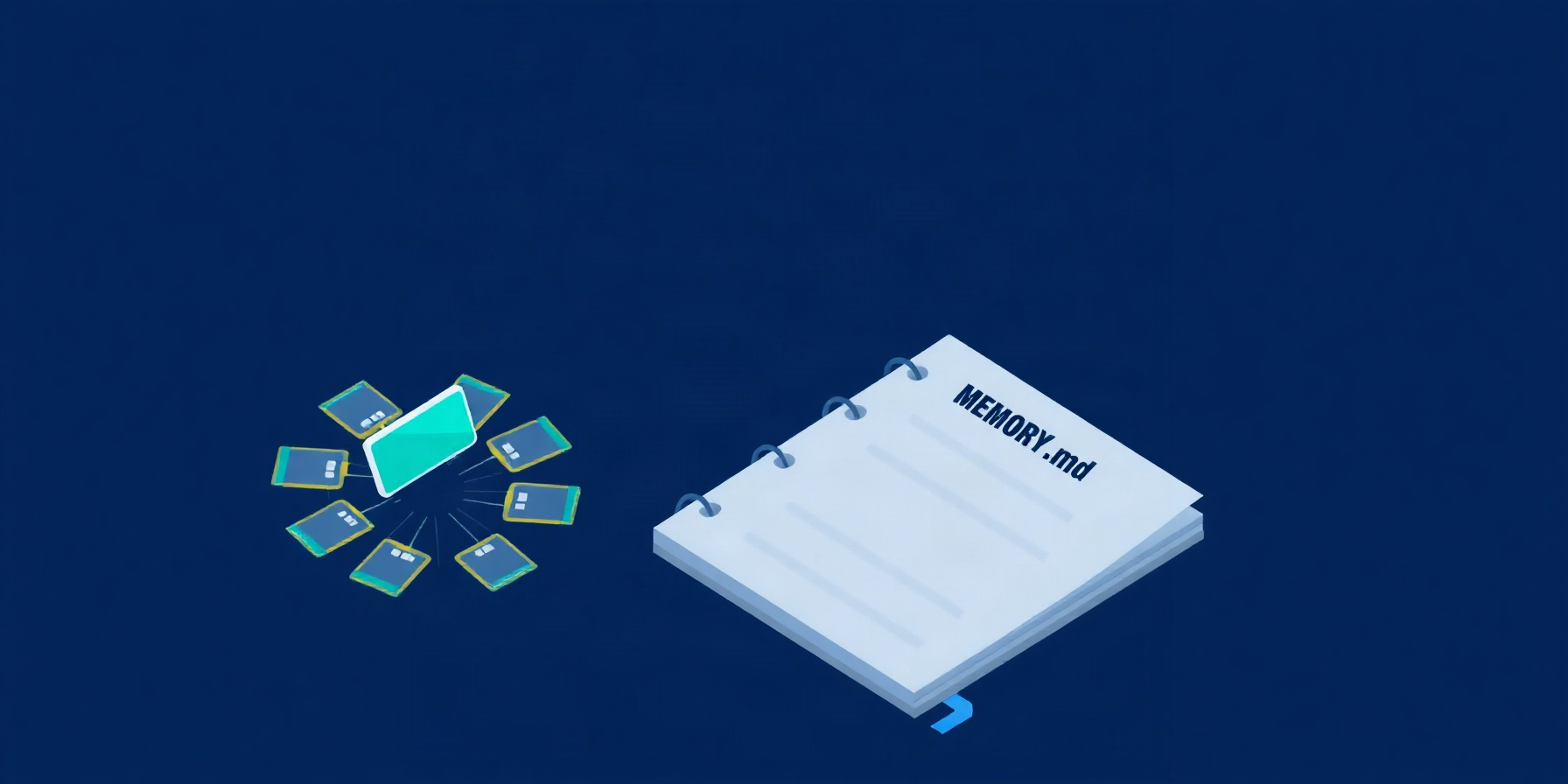
Hermes Agent ships with a built-in memory layer in MEMORY.md and USER.md, but those files are capped at roughly 800 and 500 tokens respectively and behave like a frozen snapshot per session. External memory providers fix that ceiling, and the official memory providers page documents nine of them — Honcho, OpenViking, Mem0, Hindsight, Holographic, RetainDB, ByteRover, Supermemory, and Memori. Exactly one external provider is active at a time, and it extends the built-in layer rather than replacing it. This guide explains how to pick one, run the setup, and verify that long-term recall is working.
How This Guide Was Built
This guide is desk research over official Hermes Agent documentation fetched on 2026-10-01; no provider was installed or run. Every command, default, and price comes from the memory providers page and the linked provider docs, fetched on 2026-10-01. Treat the table and config defaults as a snapshot of the documentation, not a benchmark report.
If you want the deep internals of how MEMORY.md and USER.md are stored and reinjected, the Hermes memory internals deep dive walks through the freeze-and-prefix-cache behavior the rest of this guide relies on.
Built-In Memory Has Hard Limits
Built-in memory is small and frozen. MEMORY.md is capped at 2,200 chars (~800 tokens) and USER.md at 1,375 chars (~500 tokens), both in ~/.hermes/memories/, injected once at session start as a frozen snapshot per the official memory docs. No auto-compaction runs; tool actions are add, replace, and remove only, and external providers extend the layer rather than replace it.
The freeze matters because it preserves the prompt prefix cache: Hermes reads the files once, then treats them as read-only for the rest of the session, so anything the agent wants to remember has to go through add or replace. Writes that exceed the cap return an error and force the agent to consolidate first, which is why a 2,200-character MEMORY.md is a hard wall, not a soft target. Replace is bound by the same character limit, so a single oversized entry fails the same way, and there is no read action exposed by the memory tool. For the broader picture, the configuration deep dive explains how those memory files interact with the rest of ~/.hermes/config.yaml.
How External Memory Providers Work
External providers run through six fixed activation steps in order, per the memory providers page: inject provider context, prefetch memories before each turn, sync turns after each response, extract memories at session end where supported, mirror built-in writes, and register provider tools. Exactly one external provider is active at a time, and it extends, never replaces, the built-in layer.
Prefetch runs in the background and is non-blocking, which is why recall feels instant even on the first turn of a fresh session. Sync after each response is what makes conversation state durable across sessions, and end-of-session extraction is the step that turns “we just talked about this” into long-term recall, but only on providers that support it. Mirror keeps MEMORY.md and USER.md writes duplicated to the external store, which is how built-in memory keeps working unchanged. The provider-specific tools layer on top of the built-in memory tool, so a Honcho session still has add/replace/remove plus honcho_profile and friends.
The Nine Memory Providers Compared
Here is the side-by-side comparison that the official memory providers page publishes. Every number, storage type, and dependency listed below was copied from the live docs and the linked provider repositories on 2026-10-01, and you should treat them as a snapshot of the documentation rather than a benchmark.
| Provider | Storage | Cost | Tools | Dependencies | Unique Feature | Setup path |
|---|---|---|---|---|---|---|
| Honcho | Cloud | Paid | 5 | honcho-ai |
Dialectic user modeling + session-scoped context | in-tree |
| OpenViking | Self-hosted | Free (AGPL-3.0) | 6 | openviking + server |
Filesystem hierarchy + tiered loading (L0/L1/L2) | in-tree |
| Mem0 | Cloud/Self-hosted | Free/Paid | 4 | mem0ai |
Server-side LLM extraction + self-hosted/OSS modes | in-tree |
| Hindsight | Cloud/Local | Free/Paid | 3 | hermes plugins install hindsight |
Knowledge graph + reflect synthesis | plugin catalog |
| Holographic | Local | Free | 2 | None | HRR algebra + trust scoring | in-tree |
| RetainDB | Cloud | $20/mo | 10 | requests |
Delta compression + 7 memory types | in-tree |
| ByteRover | Local/Cloud | Free/Paid | 3 | brv CLI |
Pre-compression extraction + SOC2 Type II sync | in-tree |
| Supermemory | Cloud/Self-hosted | Free/Paid | 4 | supermemory |
Context fencing + session graph ingest | in-tree |
| Memori | Cloud | Free/Paid | 5 | hermes-memori |
Tool-aware memory + structured recall | external |
Seven of the nine ship inside the Hermes tree today; Hindsight is the first provider to move out into the plugin catalog, and Memori is an external integration. RetainDB is the most expensive at $20/month, and Holographic is the only one with zero dependencies. For details on how each provider is wired into Hermes, the memory provider plugin developer guide and the Honcho plugin README are the canonical references.
Choosing a Provider
Pick by what you can host and what you can pay, because storage and cost dominate the table, per the memory providers page. Self-hosters shortlist OpenViking, Mem0 in OSS mode, or Holographic; cloud-only teams reach for RetainDB at $20/month. Hindsight ships a hindsight_reflect synthesis tool, and Honcho’s dialectic layer is the unique cross-session option.
If you only need a single profile, no tool budget, and no egress, Holographic is the cheapest path: it stores SQLite locally with FTS5 and ships two tools (fact_store and fact_feedback) plus an asymmetric trust scoring system at +0.05 for helpful feedback and -0.10 for unhelpful. If you need a knowledge graph, only Hindsight ships a hindsight_reflect tool that synthesizes across multiple memories, and you can run its local UI with hindsight-embed -p hermes ui start. RetainDB is the tool-count leader at 10, with hybrid Vector + BM25 + rerank search and seven memory types, which is why it costs $20/month. The Hermes memory + profiles guide covers how provider choice interacts with multi-profile setups.
Setup Walkthrough
Setup is a three-command flow plus a manual override. Run hermes memory setup for the picker, hermes memory status to verify what is active, and hermes memory off to disable, per the memory providers page. For automation, set memory.provider in ~/.hermes/config.yaml to a valid name, and install Hindsight from the plugin catalog first.
The three CLI commands are also reachable through the hermes plugins interface under the Provider Plugins section, which is helpful when you want to switch providers without editing YAML. The provider names the docs list for memory.provider are openviking, honcho, mem0, holographic, retaindb, byterover, supermemory, and hindsight (with memori available as an external integration, and Honcho also accepting a legacy hermes honcho setup path that now redirects to hermes memory setup). Hindsight is the special case: it lives in the plugin catalog, so you must run hermes plugins install hindsight before the picker will show it. For ByteRover, the install path is curl -fsSL https://byterover.dev/install.sh | sh or npm install -g byterover-cli, and the ByteRover site has the latest install steps. The same picker is reachable from the plugins guide.
Profile Isolation and Catalog Migration
Memory state and config are scoped per profile. Holographic and ByteRover store data under $HERMES_HOME/, and Honcho, Mem0, Hindsight, and Supermemory keep their JSON config under $HERMES_HOME/, per the profiles docs. RetainDB derives profile-scoped project names automatically, and OpenViking uses each profile’s .env.
The split matters because $HERMES_HOME is per-profile, so a Holographic SQLite store at $HERMES_HOME/memory_store.db is automatically a different database for every profile. Config-file providers (Honcho, Mem0, Hindsight, Supermemory) keep credentials isolated the same way: each profile gets its own honcho.json, mem0.json, hindsight/config.json, or supermemory.json under $HERMES_HOME/. RetainDB instead auto-derives a project name per profile so the cloud side never collides. OpenViking is the only provider that is configured entirely through the profile’s .env, with OPENVIKING_ENDPOINT=http://127.0.0.1:1933 as the default. The Hermes profiles guide covers how $HERMES_HOME and .env interact for non-memory settings. Hindsight is the first provider that moved out of the Hermes tree into the plugin catalog, and the migration contract is that the provider name, the memory.hindsight settings, the data directory, and the tool names stay identical, with hermes update installing the catalog plugin for every profile that names it.
FAQ
Readers ask the same handful of questions about external memory providers, so this section answers the five that come up most often. Each answer is sourced from the memory providers page, the profiles docs, and the linked provider repositories, all fetched on 2026-10-01, and nothing here comes from hands-on testing.
Can I run more than one memory provider at a time?
No. The memory providers page is explicit that exactly one external provider is active at a time, and switching is a config change plus a session restart. Built-in MEMORY.md and USER.md keep working in parallel because the external layer is additive, not exclusive.
Does adding a provider replace MEMORY.md or USER.md?
No. External providers are additive, so the built-in files keep working and the freeze-and-prefix-cache behavior is preserved. The only behavior change is that built-in writes are mirrored to the external store, which means a memory ends up in two places at once.
Which provider is best for self-hosting?
OpenViking, Mem0 in OSS mode, and Holographic are the three documented self-host paths. OpenViking is AGPL-3.0 and ships tiered loading plus a filesystem hierarchy; Mem0’s OSS mode uses Qdrant or pgvector as the vector store; Holographic needs only a local SQLite file and has zero Python dependencies.
How do I turn memory off?
Run hermes memory off per the memory providers page, or remove the memory.provider line from ~/.hermes/config.yaml. Built-in memory keeps working either way, because the external layer is independent of MEMORY.md and USER.md.
How do profiles isolate memory?
Local-store providers (Holographic, ByteRover) use $HERMES_HOME/ paths, config-file providers (Honcho, Mem0, Hindsight, Supermemory) keep JSON in $HERMES_HOME/, RetainDB auto-derives profile-scoped project names, and OpenViking is configured per-profile through .env, per the profiles docs.
The Bottom Line
The right memory provider depends on what you can host and what you want memory to look like, and the unique-feature column is the easiest shortlist, per the memory providers page. Holographic is the cheapest self-host with zero dependencies, Hindsight ships a hindsight_reflect synthesis tool, and RetainDB at $20/month is the broadest cloud toolset.
For cross-session user modeling with a two-layer context injection, Honcho is the only documented option and ships five tools plus a dialecticCadence cost knob. For a Volcengine-style context database with tiered L0/L1/L2 loading, OpenViking is the only choice and is AGPL-3.0 self-hosted. Memori is the only external integration in the list, so its exact enable steps beyond the publisher’s install instructions are not in the official docs block, and you should never let an external installer pip-install into Hermes’s environment. Whatever you pick, the memory providers page is the canonical reference, and the rule that exactly one external provider is active at a time is non-negotiable.
📖 Related Reads
- ToolBrain — tool reviews, LLM comparisons, and AI workflow guides
- NoCode Insider — AI workflow automation with no-code tools, agents, and APIs
- CodeIntel Log — code quality, debugging, and software engineering benchmarks
Cross-links automatically generated from Hermes Tutorials.