Hermes Agent Context Files: AGENTS.md, SOUL.md, and Progressive Subdirectory Discovery (2026 Guide)
How Hermes Agent discovers AGENTS.md, AGENTS.override.md, CLAUDE.md, and SOUL.md, and how progressive subdirectory loading shapes what your agent reads.
Most Hermes Agent users know that AGENTS.md exists. Far fewer know how it actually loads: only one project context file wins per session, subdirectory files arrive as hints appended to tool results rather than as system-prompt additions, and SOUL.md never comes from your repository at all. This guide maps the discovery chain — file types, priority order, the git-root-to-working-directory chain, progressive subdirectory loading, truncation, and injection scanning — using the official Hermes Agent context-files documentation as the only source. This is a documentation-based guide; we did not run the tool hands-on.
What Context Files Does Hermes Read?
Hermes recognizes five project context file types — .hermes.md / HERMES.md, AGENTS.override.md, AGENTS.md, CLAUDE.md, and .cursorrules / .cursor/rules/*.mdc — plus SOUL.md, which is a separate, always-loaded identity file rather than a project file. Each type has its own loading location and precedence, so which one you commit determines what your agent actually sees.
The supported context files table gives each type a distinct discovery strategy. .hermes.md / HERMES.md walks to the git root and carries the highest priority. AGENTS.override.md, AGENTS.md, and CLAUDE.md load from the working directory at startup, then from subdirectories progressively as the session unfolds. .cursorrules and .cursor/rules/*.mdc modules are checked in the CWD only. SOUL.md ignores your project entirely. The practical consequence is easy to miss: a leftover CLAUDE.md will quietly take precedence over a .cursorrules file you expected to be used.
The Priority Chain: Only One Project File Wins
Only one project context type is loaded per session, first match wins: .hermes.md → AGENTS.override.md → AGENTS.md → CLAUDE.md → .cursorrules. SOUL.md sits outside this chain — it always loads independently as the agent identity in slot #1. Don’t expect multiple project files to merge; per the docs, the first match simply wins and nothing below it loads.
.hermes.md         <- highest priority
AGENTS.override.md
AGENTS.md
CLAUDE.md
.cursorrules       <- lowest priority (CWD only)
The startup loader — build_context_files_prompt() in agent/prompt_builder.py — scans the working directory for the first match, reads it as UTF-8 text, runs the security scan, truncates if needed, and assembles the result under a # Project Context header in the system prompt. The docs’ startup list is .hermes.md, AGENTS.md, CLAUDE.md, .cursorrules; they do not name AGENTS.override.md in that list, even though the priority chain above does. Standardize on one file type: commit AGENTS.md as the cross-tool default, and add .hermes.md only if you want Hermes-specific instructions to win.
AGENTS.override.md Replaces, Not Merges
When AGENTS.override.md exists next to an AGENTS.md, Hermes loads the override instead of the committed file. It is a full replacement, not a merge, so write it as a complete instruction set. The docs suggest keeping it personal and usually gitignored.
SOUL.md: Global Personality, Never Project-Local
SOUL.md controls the agent’s personality, tone, and communication style; the Personality docs page covers the settings it feeds. It is global to the Hermes instance and is loaded from HERMES_HOME only — ~/.hermes/SOUL.md, or $HERMES_HOME/SOUL.md when you run Hermes with a custom home directory. Hermes never probes the working directory for SOUL.md: it seeds a default if none exists, and an empty file adds nothing to the prompt.
When the file has content, it is injected verbatim after scanning and truncation — and per the docs, SOUL content is inserted directly, without extra wrapper text, as the agent identity in slot #1. This is why dropping a SOUL.md into a repository does nothing: identity lives in your Hermes home, not in the checkout. It also helps to separate two concepts that look similar: personality (how the agent speaks) versus memory (what it persists across sessions) — our guide to Hermes memory profiles covers the latter. Because each instance has its own HERMES_HOME, running several agents side by side gives each a distinct personality, which is the basis for multi-agent setups with per-instance identities.
The Directory Chain: From Git Root to CWD
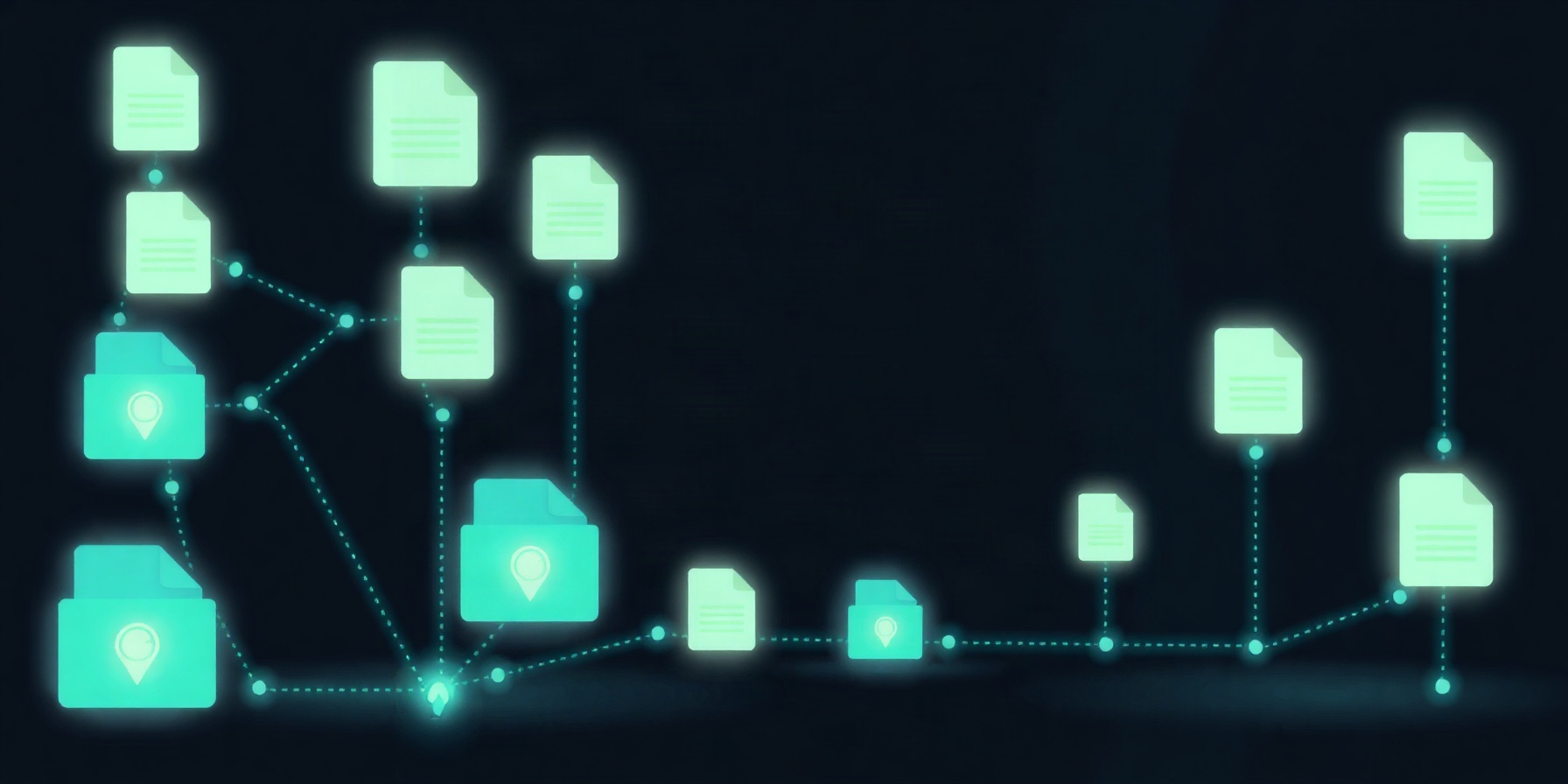
When your working directory sits inside a git repository, Hermes loads a merged chain of AGENTS.md files at session start: the git-root file first, then every intermediate directory’s file down to your CWD. Deeper files appear later and take precedence, each carries a provenance header such as ## ../../AGENTS.md, and identical copies along the chain are deduplicated.
monorepo/                   (git root, cwd = packages/webapp/)
├── AGENTS.md              <- loaded first (repo-wide conventions)
└── packages/
    ├── AGENTS.md          <- loaded second
    └── webapp/
        └── AGENTS.md      <- loaded last (most specific, takes precedence)
Deeper files appear later in the prompt, so the most specific guidance wins when instructions conflict. The docs describe this merged chain for AGENTS.md specifically; the supported-files table says .hermes.md also walks to the git root, while .cursorrules is checked in the CWD only. Just as important is what doesn’t happen: outside a git repository, only the working directory itself is checked and parents are never consulted, so a stray AGENTS.md planted in /tmp or $HOME cannot leak into unrelated sessions.
Progressive Subdirectory Discovery: Hints, Not System Prompts
At session start, the docs describe two loads. The merged git-root-to-working-directory chain goes into the system prompt, and the progressive-discovery section describes the working-directory AGENTS.md as the file loaded at startup. Either way, subdirectory files discovered later are appended to tool results rather than added to the system prompt, which keeps the system prompt stable across turns. The docs give that as the reason for the design: no system prompt bloat and cache preservation. Mechanically, SubdirectoryHintTracker in agent/subdirectory_hints.py extracts paths after each tool call, walks the touched directory plus up to 5 parents (stopping at already-visited directories), and loads the first AGENTS.md, CLAUDE.md, or .cursorrules it finds per directory. Each subdirectory is checked at most once per session. The ancestor walk matters most in practice: reading backend/src/main.py discovers backend/AGENTS.md even when backend/src/ has no context file of its own. Hints are capped at a fixed 32,000-character preview per file — context_file_max_chars and the model’s context window do not change that cap — and an oversized hint keeps a head/tail marker pointing at the full file and is logged, without raising the chat truncation warning that startup files trigger.
Which Tools Trigger Discovery
Discovery is driven by tool calls that carry file paths, such as read_file, terminal, and search_files; the docs list these with “etc.”, so other path-bearing calls may trigger it too. After each call, the tracker extracts paths from the arguments — the path field, the workdir field, and shell commands — then checks the touched directory plus up to 5 parents, stopping at directories already visited this session.
Because paths come from path and workdir arguments and from shell commands, ordinary work — grepping with search_files, changing directories in terminal, opening a file with read_file — is enough to surface a subtree’s conventions. Note one nuance: the supported-files table also lists AGENTS.override.md among progressively discovered files, while the loading walkthrough names AGENTS.md, CLAUDE.md, and .cursorrules as what the tracker loads; the docs don’t reconcile those two lists beyond that.
Size Limits and Truncation
Oversized context files are truncated head/tail — 70% head, 20% tail, with a marker in the middle that reports kept character counts and points to file tools for the rest. The cap is context_file_max_chars from config.yaml when set; otherwise it scales with the model’s context window, floored at 20,000 characters and ceilinged at 500,000.
Two other limits from the docs matter. Hints truncate differently: the fixed 32,000-character preview cap applies regardless of configuration. Reads also have a timeout: context_file_read_timeout defaults to 5 seconds, and a file slower than that (the docs cite iCloud Drive, OneDrive, and NFS) is skipped with a warning. To tune the cap yourself, see our configuration deep dive on context_file_max_chars and related settings.
Security: Injection Scanning for Every Context File
Every context file — whether loaded at startup or discovered mid-session as a hint — is scanned for prompt-injection patterns such as “ignore previous instructions”, “disregard your rules”, and “do not tell the user”, and a matching project context file is blocked and never loaded, protecting sessions that wander into directories you didn’t author.
The scanner’s documented categories cover instruction override attempts, deception patterns, system prompt overrides, hidden HTML comments, hidden div elements, credential exfiltration such as curl calls that send $API_KEY, secret file access such as cat .env, and invisible characters like zero-width spaces, bidirectional overrides, and word joiners. A blocked project file fails loudly:
[BLOCKED: AGENTS.md contained potential prompt injection (prompt_injection). Content not loaded.]One nuance: your own SOUL.md in HERMES_HOME is treated differently. It is a file you wrote — file-tool writes to it need your approval, and project checkouts never supply it — so a scanner hit there does not block the file. Hermes logs a warning naming the matched pattern, loads the file as usual, and /context lists it with a review flag. That exception does not extend to a SOUL.md shipped by a profile distribution: hermes profile install and hermes profile update copy a third party’s SOUL.md into the profile home without a scan or approval prompt, so when distribution.yaml owns the file, a scanner hit still blocks it. Per the docs’ own warning, the scanner is not a substitute for reviewing context files in shared repositories.
Writing an AGENTS.md That Hermes Actually Follows
The docs recommend structuring AGENTS.md around Architecture, Conventions, and Important Notes — including “never modify migration files directly” plus a list of ports and key paths — and keeping it concise, using ## headers, giving concrete examples, saying what NOT to do, and updating the file as the project evolves.
Two of these practices have documented reasons: keep it concise because the agent reads the file every turn, and list key paths and ports because the agent uses them for terminal commands. The docs also state that stale context is worse than no context. The rest (concrete examples, negative instructions) is editorial advice. AGENTS.md describes your project; for reusable capabilities, Hermes skills teach your agent new behaviors instead.
# Project Context

## Architecture
- Frontend and backend layout, ORM, database, deployment target

## Conventions
- Language and style rules, API response shape, where tests live

## Important Notes
- Never modify migration files directly — use Alembic commands
- Never commit real API keys
- Ports and key paths the agent needs for terminal commands
A Monorepo Layout That Works
Give each subtree its own AGENTS.md: frontend/AGENTS.md specifying pnpm rather than npm plus Tailwind CSS, and backend/AGENTS.md specifying poetry and uvicorn. Progressive discovery then pulls in the right file automatically as the agent starts working in each area — the directory structure itself is the registry.
The docs’ per-subdirectory examples keep each file short and directive — exactly the shape progressive discovery is designed for, since each file surfaces only when the agent works in that subtree:
# Frontend Context
- Use `pnpm` not `npm` for package management
- Components go in `src/components/`, pages in `src/app/`
- Use Tailwind CSS, never inline styles
- Run tests with `pnpm test`
# Backend Context
- Use `poetry` for dependency management
- Run the dev server with `poetry run uvicorn main:app --reload`
- All endpoints need OpenAPI docstrings
- Database models are in `models/`, schemas in `schemas/`Quick Reference Table
Use this table as a cheat sheet covering all six context files: which file loads, from where, and for whom — .hermes.md and AGENTS.md for team conventions, AGENTS.override.md for personal overrides, CLAUDE.md and .cursorrules for compatibility with other tools, and SOUL.md for instance-wide identity.
| File | Where it loads from | Who it’s for |
|---|---|---|
| .hermes.md / HERMES.md | Project; walks to git root; highest priority | Teams standardizing on Hermes |
| AGENTS.override.md | CWD at startup + subdirectories progressively; replaces AGENTS.md; typically gitignored | Individuals with personal preferences |
| AGENTS.md | CWD at startup + git-root-to-CWD chain + subdirectories progressively | The whole team (committed conventions) |
| CLAUDE.md | Also detected; same progressive discovery | Teams sharing conventions with Claude tools |
| .cursorrules / .cursor/rules/*.mdc | CWD only | Teams sharing conventions with Cursor |
| SOUL.md | HERMES_HOME only (~/.hermes/SOUL.md or $HERMES_HOME/SOUL.md); never the working directory | Instance-wide personality and tone |
Keep it next to your repo README — when a teammate asks why Hermes ignored their instructions, the answer is almost always one of the rows above.
FAQ
The questions below cover the three most common points of confusion around context-file discovery — a SOUL.md dropped into a repo, an override expected to merge, and hints appearing in tool results — and every answer comes directly from the official documentation rather than guesswork.
Why isn’t Hermes picking up the SOUL.md in my project folder?
Because SOUL.md is global to the Hermes instance and is loaded from HERMES_HOME only — ~/.hermes/SOUL.md or $HERMES_HOME/SOUL.md. Hermes does not probe the working directory for SOUL.md, so a copy inside your project is invisible to it. Move the content to your Hermes home (Hermes seeds a default there automatically), and remember that an empty SOUL.md adds nothing to the prompt.
Does AGENTS.override.md merge with AGENTS.md?
No. When AGENTS.override.md sits next to AGENTS.md, the override is loaded instead of the committed file — a full replacement, not a merge. The docs recommend a personal, typically gitignored AGENTS.override.md for instructions that differ from the team’s checked-in AGENTS.md, which means your override should be a complete, standalone instruction set.
Why do subdirectory AGENTS.md files appear in tool results instead of the system prompt?
By design. Subdirectory context files are discovered by SubdirectoryHintTracker and appended to the tool result at the moment they become relevant, while only the CWD file occupies the system prompt at startup. This keeps the system prompt stable across turns — preserving the prompt cache and avoiding bloat. Hints are capped at 32,000 characters per file and pass the same security scan as startup files.
The Bottom Line
Structure your repository so Hermes finds the right context at the right moment: repo-wide conventions in the root AGENTS.md, per-area rules in each subtree’s AGENTS.md, personal tweaks in a gitignored AGENTS.override.md, and personality in ~/.hermes/SOUL.md. The documented discovery chain then assembles everything automatically. To check what loaded, the docs point to the /context command, which lists SOUL.md with a review flag when it matches a scanner pattern.
How This Guide Was Built
This guide is based on the official Hermes Agent context-files documentation, which is the only source used. The author did not run the tool hands-on for this article. Priority order, directory chaining, progressive discovery, truncation, and injection scanning are all described as the docs state them.
Two gaps deserve acknowledgment. The docs do not specify how AGENTS.md and CLAUDE.md interact when both sit in the same directory beyond the priority list above. And the docs’ startup list does not include AGENTS.override.md, so where the docs are silent, this guide says so rather than guessing. The implementation files the docs name — agent/prompt_builder.py and agent/subdirectory_hints.py — are the place to read the mechanics; the project repository is the public starting point.
📖 Related Reads
- NiteAgent — AI agent development, frameworks, and production patterns
Cross-links automatically generated from Hermes Tutorials.